Last checked: 31 October 2026. Thai rules change often, so always confirm with the official source before you travel or apply.
Website blocking in Thailand is a real subject, but a page that fails to load does not tell you why it failed. This old article mixed a forum rumour about several major websites with a separate browser warning about an official site. I want to separate those issues so you can check a problem without spreading an unsupported claim or ignoring a security warning.
What the original post was actually about
The older account described readers checking websites after a forum claimed they were blocked. It also reproduced an old malware warning. Those are historical statements from the supplied article, not evidence that the same services are blocked or unsafe today.
I cannot establish from that excerpt whether the alleged traffic surge caused slow loading. Nor can an old browser diagnostic describe the current security of a domain. The useful lesson is that availability, censorship and malware protection are different questions, even when they all interrupt the same browsing session.
A site name in a headline can be misleading when the article is taken out of context. Here, a travel forum was the source of a discussion; the main subject was internet access. This rewrite therefore stays with blocked websites and practical checks rather than immigration procedures.
Website blocking in Thailand: what a failure can mean
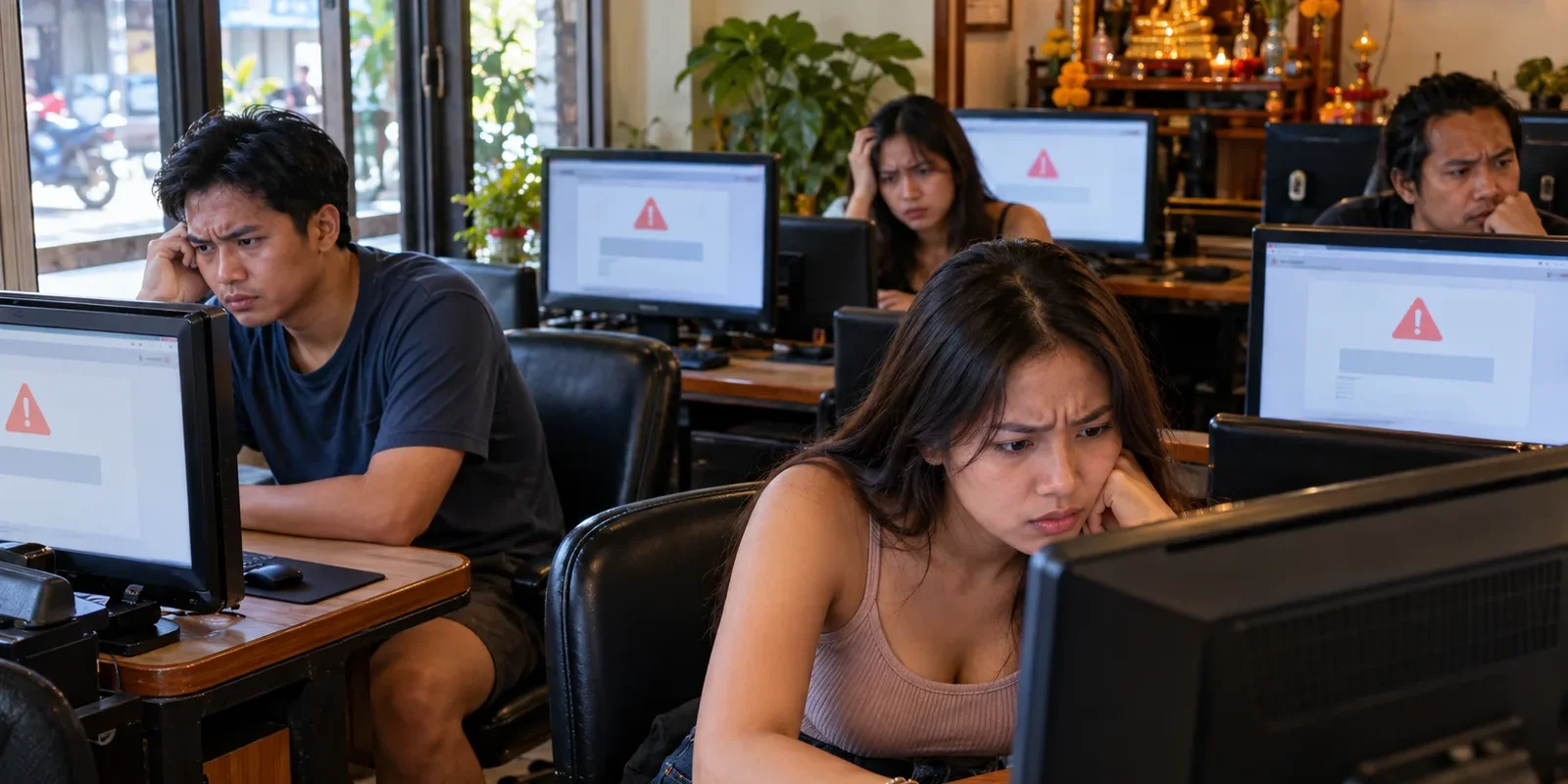
A connection may fail because the website is down, the local network is unreliable, the address is wrong or access is restricted. A hotel or workplace can also apply its own filtering. You need more information before attributing a result to a national policy.
Censorship research describes interference at different stages of a connection, including domain-name lookups and connection disruptions. A block does not always arrive as a clear notice. Equally, an error message or an unusual technical result is not automatically proof of deliberate interference.
OONI’s measurement guidance explains that results can be affected by unstable connections, server problems and differences in how websites deliver content. Repeated results across time and networks provide better evidence than one failed attempt. Even then, the scope of the finding matters: one tested address is not the same as an entire service.
Understand the legal background without guessing
Thailand’s Computer Crime Act, originally enacted in 2007 and amended in 2017, is part of the framework governing online content. Section 20 provides a court process for orders restricting dissemination or removing specified computer data in circumstances set out in the law. That is a legal mechanism, not an explanation for every slow connection.
For a dispute about a particular order or publication, obtain advice from a qualified Thai lawyer. I would not turn a general travel article into a list of supposedly safe ways to ignore a legal restriction. The facts, the content involved and the relevant order can matter.
As of this 2026 review, I am not presenting a list of websites currently blocked throughout Thailand. Such a list would need recent evidence, precise addresses, network information and a clear method. A recycled screenshot or a friend’s experience does not meet that standard.
Start with a simple record of the problem
Write down the exact address, the time and the message you see. Check for a typing error or an outdated bookmark. If the page contains sensitive information, keep the screenshot private and remove account details before sharing it with technical support.
Try an unrelated, ordinary website to see whether the connection works at all. If you are using hotel Wi-Fi, check whether its sign-in page has expired or whether staff know about an outage. Avoid repeatedly submitting a payment or application just because the confirmation screen is slow.
Then check the affected provider’s own status information or support channel where available. Use a trusted route to reach it, rather than a random advertisement claiming to fix the problem. A provider can tell you about an outage, account restriction or regional service limitation that is unrelated to government blocking.
Compare carefully, not dramatically
If you already have another connection available, comparing the same public page can help describe the issue. Record the result without claiming it proves the cause. A mobile network and a hotel connection can differ for several ordinary technical reasons.
Our guide to mobile internet in Thailand offers background for choosing a connection. For a persistent failure, send your provider the concise record you made: address, time, error and whether other pages worked. Ask if there is a known outage or restriction affecting that destination.
You can consult published censorship measurements without conducting your own tests. If you consider contributing measurements, first read the project’s explanation of what becomes public and its risk information. Do not publish personal URLs, access tokens or private account pages as part of a public troubleshooting request.
Treat browser security warnings separately
A warning about an unsafe page or invalid certificate needs its own attention. Do not dismiss it because someone says the website is official. Stop before entering a password, passport information or payment details, and confirm the correct address through an independently trusted source.
Avoid installing a suggested extension or unknown application merely to make the warning disappear. That can create another problem while leaving the first one unexplained. Ask the site’s support team for a safe alternative if you have an urgent deadline.
For financial accounts, see our guide to safer internet banking in Thailand. The same practical principle applies here: protect the account first, then investigate availability. A successful page load does not prove that a site is genuine or that entering sensitive details is appropriate.
Report what you know and leave the rest open
A useful public update might say that a particular page failed on one connection at a stated time. It should not say that an entire country has banned the service unless reliable evidence supports that wider claim. If later information changes your understanding, correct the original message where readers will see it.
I would rather leave a cause unresolved than turn uncertainty into a confident story. That approach takes some excitement out of a forum thread, but it makes the information more useful for the person trying to finish an ordinary task.
FAQ
Does a timeout prove a website is censored?
No. A timeout can have several causes, including a connection or server problem. Record the details, check ordinary connectivity and consult reliable status information before drawing a conclusion about blocking.
Is a malware warning the same as a block notice?
No. A security warning concerns potential risk in visiting a page or establishing a trusted connection. Treat it seriously and verify the address. Do not override it just because the domain looks familiar.
Can one successful connection disprove all blocking?
No. Networks, addresses and times can differ. A successful attempt tells you about that attempt, while a broader claim requires broader evidence. Avoid turning either one success or one failure into a national verdict.
Should I post screenshots to ask for help?
Only after removing personal information, account identifiers and private addresses. A short written description may be enough. Send sensitive details through an appropriate private support channel rather than a public discussion.
More from Personal Thailand
If you enjoy practical reporting and personal perspectives on Thailand, you can support my work and explore member-only content through either platform:
- Subscribe to Personal Thailand on X — creator membership with access to applicable subscriber-only posts and benefits.
- Join or support Personal Thailand on Buy Me a Coffee — browse available memberships and support options.
These are separate services with different charges and membership benefits. Paid access may be required; subscribing on one does not automatically grant access on the other. The main information in this article is free to read above.