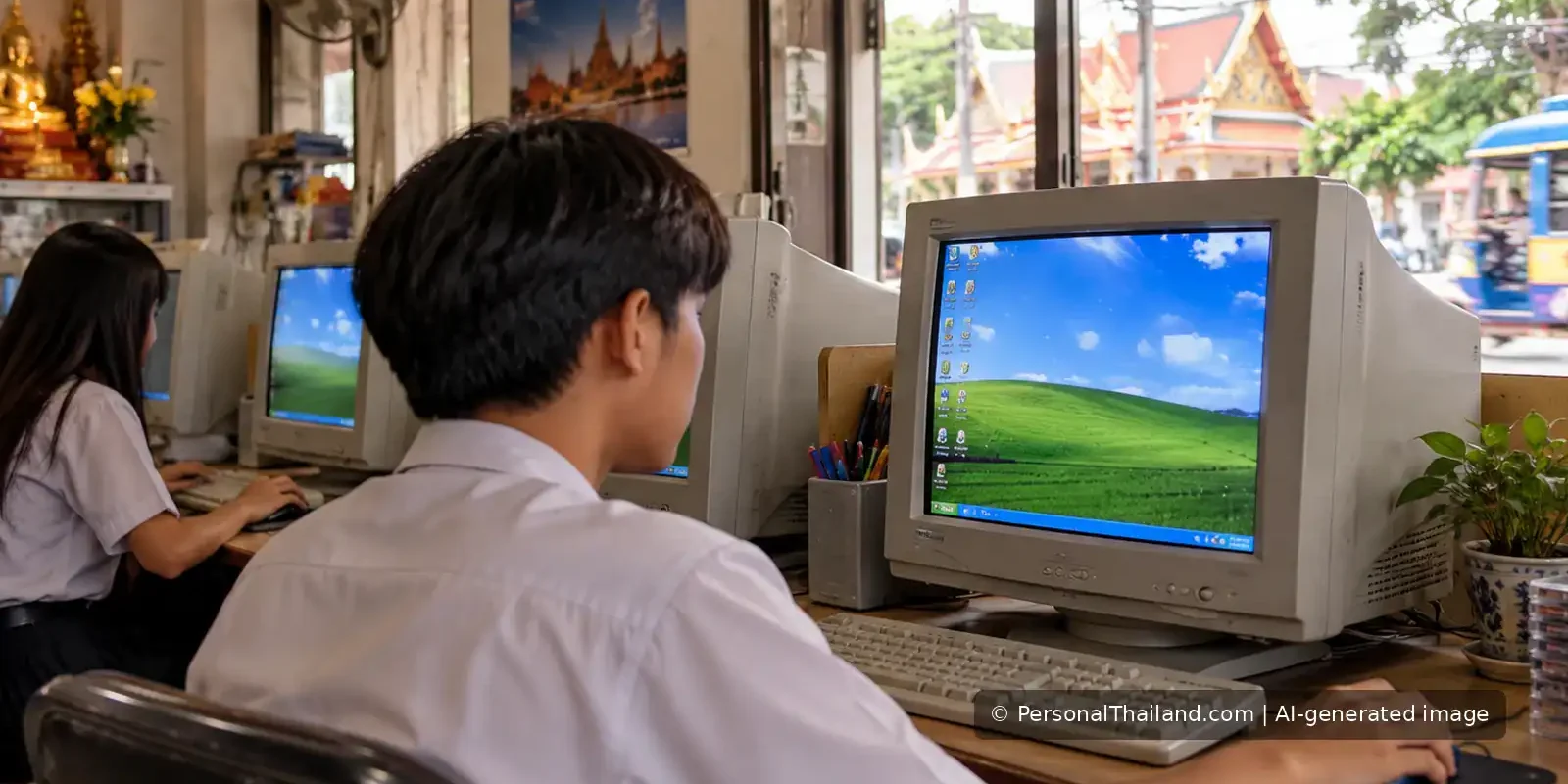
In October 2008, a PersonalThailand post urged readers to update Microsoft Windows XP immediately. Back then, it was reasonable to think that installing a security patch could protect an otherwise supported computer. In 2026 the situation is very different: Windows XP itself is an obsolete operating system, and no ordinary update can turn it into a modern, fully supported platform.
This matters in Thailand as much as anywhere else. Old computers still sometimes appear in offices, small businesses, guesthouses or homes, often because they run a familiar program or are attached to specialised equipment. Keeping them online without a plan creates avoidable security and reliability risks.
Why Windows XP once needed urgent updates
Security patches fix discovered weaknesses in software. In 2008, Windows XP was still within Microsoft’s support life, and security updates helped protect supported installations from known attacks. The old PersonalThailand note referred to a specific Microsoft security bulletin and to claims about copies of Windows that had not been properly licensed.
Those details belong to 2008. Do not download random copies of historical patches from file-sharing sites or follow an old blog link as though it were the current update process. Obtain software and security guidance from the manufacturer or a qualified administrator.
Windows XP support ended years ago
Microsoft’s official guidance on unsupported versions of Windows lists 8 April 2014 as the end of support for Windows XP. That means Microsoft no longer supplies its normal security fixes and software updates for the operating system. The machine may still switch on and run old programs, but working is not the same as being safe.
The separate Microsoft Windows XP lifecycle page provides the product’s support history. It should not be mistaken for an offer of renewed 2026 updates. Microsoft also lists the end of Windows 10 support in October 2025; users should check that their chosen replacement is currently supported rather than upgrading from one obsolete platform to another.
What can go wrong with an old computer?
An unsupported system may have weaknesses that will not be fixed by new security patches. Some modern browsers, banking applications and authentication tools may not run on it. Hardware can also fail after years of use. An old hard drive or power supply can become a bigger practical problem than the program that originally made the computer worth keeping.
For travellers and small businesses, risks are particularly serious when an obsolete computer is used for banking, collecting customer details, handling passports or storing sensitive booking records. A compromised machine could expose information even if the screen appears normal.
A safer upgrade checklist
- List the important software: identify booking systems, spreadsheets, printers and specialist applications that must keep working.
- Back up your data: keep a tested copy of essential files before moving or replacing a machine.
- Choose a supported system: confirm the manufacturer still issues security updates for it.
- Check compatibility: verify that printers and other connected hardware work with the replacement.
- Move accounts carefully: update passwords or recovery methods where necessary and enable multifactor authentication.
- Dispose of old devices responsibly: remove sensitive data before resale or recycling, using appropriate erasure methods.
If specialist equipment still needs XP
Some older devices depend on applications that were never updated for newer systems. A clinic, factory or workshop may not be able to replace everything at once. In that situation, involve a qualified IT professional and the equipment vendor. Restrict or isolate the legacy machine from the internet wherever technically possible, control access and make a migration plan.
Isolation can reduce exposure, but it does not make an unsupported system equivalent to one receiving current security fixes. Do not run ordinary email, web browsing or online banking from the same machine just because the specialised application still works.
Beware of fake update messages
Messages claiming to offer a secret “2026 Windows XP security patch” should be treated cautiously. Attackers often use urgency to persuade people to install unwanted software. Do not provide remote access to a stranger who says your old computer needs an emergency repair. Use trusted software-vendor sites and your own service provider rather than unsolicited pop-ups.
The same caution applies to pirated operating-system installers. An apparently inexpensive unofficial copy may contain malware or lack a reliable way to receive genuine updates. A legitimate, supported platform is the safer long-term option.
The lasting lesson from a 2008 warning
Back in 2008, the right action was often to install the vendor’s security update promptly. In 2026, a Windows XP owner should instead plan a move to supported technology and protect information during the transition. The practical objective has not changed: reduce vulnerabilities, secure important files and do not wait for a breach before acting.
If an old PC is still essential to your household or business in Thailand, make it a planned project rather than a forgotten risk hidden under a desk.